

add gradio demo
#7
by akhaliq HF Staff - opened
README.md
CHANGED
|
@@ -19,6 +19,11 @@ Use the tokens **_redshift style_** in your prompts for the effect.
|
|
| 19 |
**If you enjoy my work and want to test new models before release, please consider supporting me**
|
| 20 |
[](https://patreon.com/user?u=79196446)
|
| 21 |
|
|
|
|
|
|
|
|
|
|
|
|
|
|
|
|
| 22 |
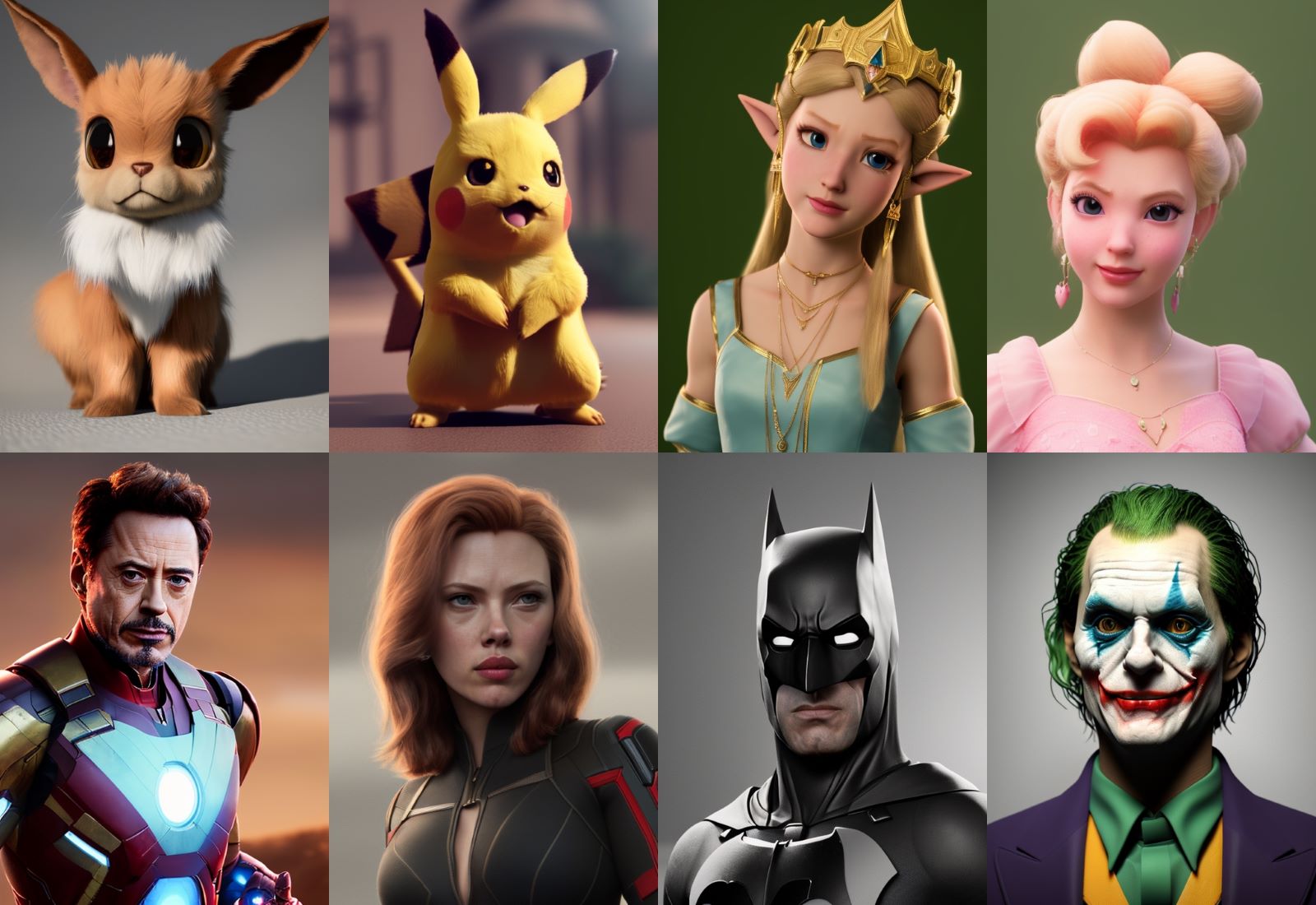
**Characters rendered with the model:**
|
| 23 |
|
| 24 |
**Cars and Landscapes rendered with the model:**
|
|
|
|
| 19 |
**If you enjoy my work and want to test new models before release, please consider supporting me**
|
| 20 |
[](https://patreon.com/user?u=79196446)
|
| 21 |
|
| 22 |
+
# Gradio
|
| 23 |
+
|
| 24 |
+
We support a [Gradio](https://github.com/gradio-app/gradio) Web UI run anything-v3.0:
|
| 25 |
+
[](https://huggingface.co/spaces/akhaliq/anything-v3.0)
|
| 26 |
+
|
| 27 |
**Characters rendered with the model:**
|
| 28 |

|
| 29 |
**Cars and Landscapes rendered with the model:**
|