
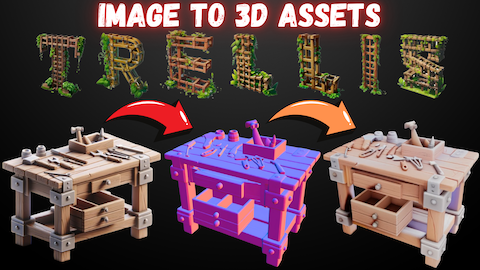
I made a full tutorial for TRELLIS - all pre-compiled libraries - 1-Click to Install - Fully supporting RTX 5000 series and older GPUs with Python VENV
#19
by MonsterMMORPG - opened

Thank you so much Microsoft Team. If you are not ok with this post you can close it.
Installing TRELLIS for RTX 5000 series on Windows is a nightmare. But I made it effortlessly work after working few days. Also the advanced Gradio App has so many features including as low as 6 GB VRAM with offloading and FP16 (I thank trellis-stable-projectorz a lot)
Moreover I have RunPod and Massed Compute installers so GPU poor can also run this app very easily. I compiled Libraries for Linux as well.
Tutorial link : https://youtu.be/EhU7Jil9WAk
Step by Step TRELLIS Tutorial to Generate Amazing High-Quality 3D Assets from Static Images Locally
Our App interface below
Few examples