How to use KappaNeuro/john-constable-style with Diffusers:
pip install -U diffusers transformers accelerate
import torch
from diffusers import DiffusionPipeline

# switch to "mps" for apple devices
pipe = DiffusionPipeline.from_pretrained("stabilityai/stable-diffusion-xl-base-1.0", dtype=torch.bfloat16, device_map="cuda")
pipe.load_lora_weights("KappaNeuro/john-constable-style")

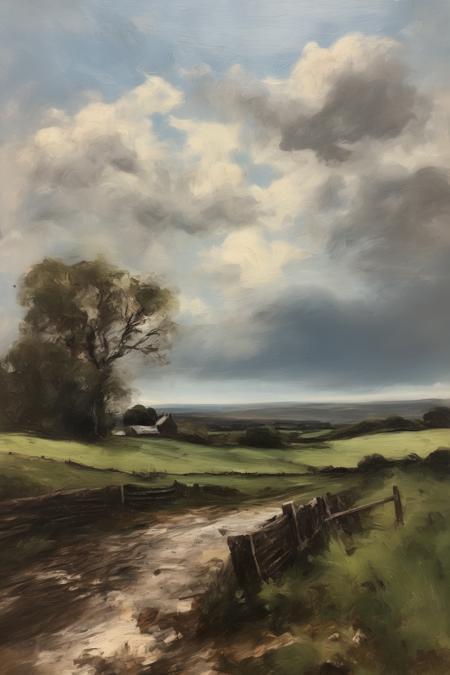
prompt = "John Constable Style - A high quality canvas sharp image In the style by John Constable A serene depiction of an autumnal landscape with a tranquil lake. Majestic trees don their colorful fall foliage, their vibrant hues mirrored in the still waters. The soft sunlight casts a warm glow, accentuating the rich reds, oranges, and yellows of the foliage. A wooden bridge in the distance adds a sense of depth and invites the viewer to explore further. \"Coastal Cliffs at Sunset"
image = pipe(prompt).images[0]
https://huggingface.co/KappaNeuro/john-constable-style/resolve/main/2324556.jpeg
hf download hf://KappaNeuro/john-constable-style/2324556.jpeg
curl -L -o 2324556.jpeg https://huggingface.co/KappaNeuro/john-constable-style/resolve/main/2324556.jpeg